Pubg & BGMI Name Generator
Generate your normal Profile Name TEXT Fonts into ★ 𒆜 亗 fonts for Pubg & BGMI using valid in-game symbols.
BGMI Name Rules
How Does It Work?
Using the BGMI Name Generator is super easy. Just follow these simple steps.
Open Tool
Visit BGMI Name Generator
Enter Name
Type your profile name
Choose Style
Browse stylish fonts
Copy
Copy with one click
Paste in BGMI
Use it in-game
Why Use Our Tool?
Everything you need to create unique names for BGMI.
BGMI Safe
Only valid in-game symbols
14 Char Limit
Optimized for BGMI rules
Instant Copy
One-click copy feature
Create a BGMI name that stands out while staying 100% valid.
How to Change BGMI Profile Name
Follow these simple steps to update your BGMI profile name
Open BGMI
Launch BGMI on your device
Go to Profile
Tap on your profile icon
Open ID Tab
Navigate to the ID section
Edit Name
Tap the edit icon
Enter New Name
Paste your stylish name
Save
Confirm to save changes
Pro Tips:
- •BGMI allows up to 14 characters
- •Symbols may count as 2 characters
- •Use only in-game supported fonts
- •Name changes follow BGMI guidelines
Latest Updates
News, guides, and tips to improve your gaming experience and style.
 BGMI Guide
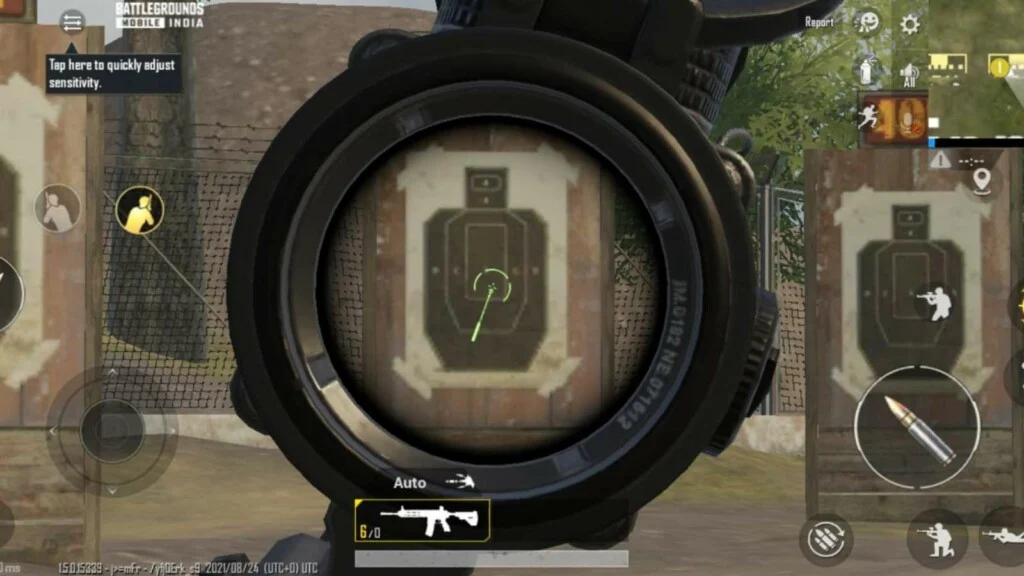
Best BGMI Sensitivity Settings (Camera, ADS & Gyroscope)
Struggling with recoil or poor aim in BGMI? Learn the best BGMI sensitivity settings for camera, ADS, and gyroscope with ready-to-use sensitivity codes.
 BGMI Guide
How to Buy Royal Pass in BGMI & PUBG (Step-by-Step Guide)
Want exclusive outfits, gun skins, and rewards? Learn how to buy Royal Pass in BGMI or PUBG Mobile with this easy step-by-step guide.
 Guide
GuideEnjoy BGMI Anywhere: No VPN Required
Learn how to play BGMI outside India without using a VPN. Follow simple steps and enjoy seamless gaming with your friends worldwide.
 BGMI Names
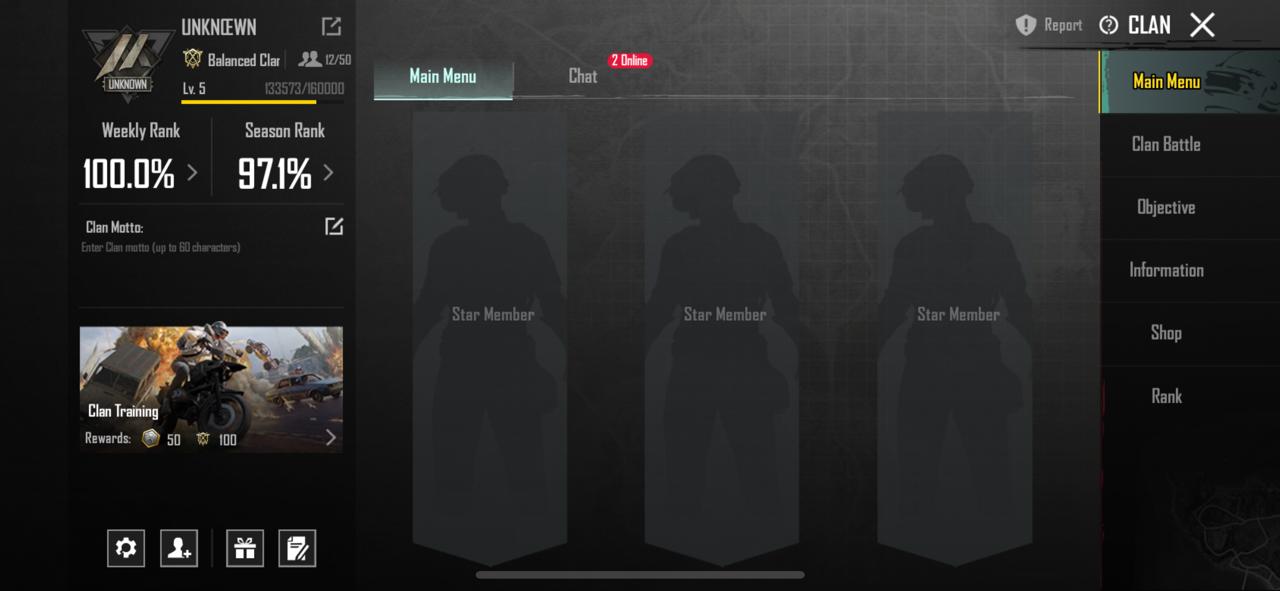
100 Best BGMI Clan Names (Stylish, Pro & Unique)
Looking for the best BGMI clan names? Here are 100 stylish, pro, killer and unique BGMI clan name ideas with a complete guide on how to create and change clan names in BGMI.